





Skip to content

What we build
for commercial brokers.

Every part, built for commercial brokers, and connected.

The whole cycle.

  1. Lead

    Found

    Someone looking for commercial brokers finds you on Google or in ChatGPT.

    GoogleChatGPTSEO service

  2. Your website

    They land on your website and tap Call.

    Your websiteWebsites service

  3. Prospect

    Missed call

    Nobody can pick up, so the missed call gets a text back in a minute.

    TwilioBooking service

  4. Qualified

    It follows up by text and asks what you would ask.

    ClaudeTwilioAI agents service

  5. Booked

    The visit is booked on your calendar, and they get it in writing.

    Google CalendarBooking service

  6. Client

    On the board

    The job moves across one board, and the crew gets it with the details.

    Your dashboardSlackLead generation service

  7. Maintained or closed

    Review asked

    After the job it asks every customer for a review and a referral.

    Google Business ProfileTwilioMarketing service

  8. Growth

    What worked

    PostHog shows what they did on your site, so the next campaign builds on it.

    PostHogMailchimpMarketing service

Lead

The website

A site with every listing, its flyer and specs, and a page for each property type.

  • Your free website, built for your brokerage on a domain that stays yours
  • Availability pages by property type and submarket, with a map and the facts in plain text
  • An OM vault: the buyer signs the confidentiality agreement online, the offering memorandum opens and the broker is told
  • A page for each broker, with designations, submarkets and the side of the deal they work
  • Search Console
  • Google Calendar
  • PostHog
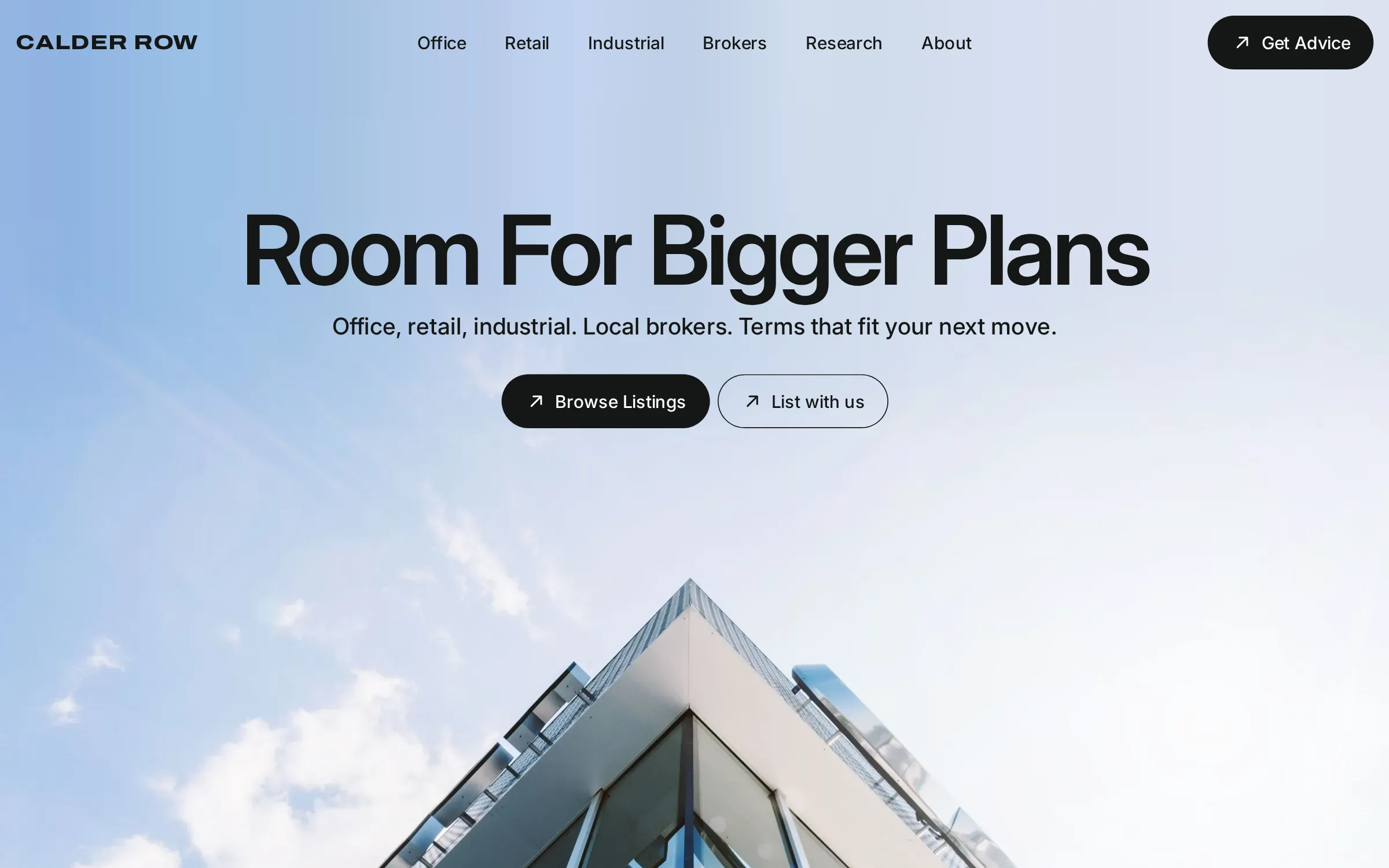
Calder Row, conceptCalder Row hero: the headline Room For Bigger Plans centred on a pale blue sky, office, retail and industrial links, and a glass tower rising from below.
Commercial real estate

SEO

Listing and property type pages that come up when tenants search office or warehouse space.

  • A page for each submarket and property type you work: industrial, flex space, retail, medical office
  • Availability pages on your own domain, with square footage, rates and photos in plain text
  • Tenant rep pages: how a space search works, who pays the broker, what a tour day looks like
  • Your Google Business Profile, kept true to your staffed office
  • Google
  • Google Business Profile
  • Search Console

AEO

Market pages on leases, zoning and build-outs that AI tools can quote when a tenant rep asks.

  • Answer pages for what tenants and owners ask: who pays a tenant rep, what an offering memorandum holds, how a sublease works
  • Broker bios with submarkets, property types and the side of the deal each one works
  • One set of facts for your firm and your listings, matched across your site, Google and the portals
  • A monthly check of what ChatGPT, Gemini and Perplexity say about your market and your firm
  • ChatGPT
  • Gemini
  • Perplexity
  • Claude

Lead generation

A space requirements form and listing flyers that ask for an email before the download.

  • An owner page that asks for a broker opinion of value on an office, industrial or retail building
  • A quarterly submarket report your list signs up for, written from your deals and public data
  • Tenant pages by size and use, so a space search starts with you
  • Landing pages for each campaign, every inquiry tagged with where it came from
  • Google Ads
  • Meta
  • Gmail

Social posts

New listings and closed deals posted on LinkedIn, where owners and tenant reps look.

  • LinkedIn posts for the firm and each broker, written from your deals and market notes
  • New availabilities posted as space, not as flyers: size, use, what makes it fit
  • Deal announcements, with the client’s approval
  • A monthly submarket post owners and tenants can use
  • Facebook
  • Instagram
  • Nextdoor
  • LinkedIn

Prospect

AI agents

An AI agent asks size, budget and move-in date before a broker spends a call.

  • An AI agent on your site and listing pages that answers from your own listing data
  • Qualifying questions you set: size, use, budget, timing, and whether a broker represents them
  • The OM sent once the confidentiality agreement is signed, with the listing broker told
  • A tour booked on the listing broker’s calendar, or a handoff to a person when it should be
  • Claude
  • Twilio
  • Messenger
  • WhatsApp

Missed calls

A missed call from a sign gets a text back and a tour of the listing.

  • A text within minutes of a missed call, from a registered number
  • The text offers times for a property tour
  • The thread lands on your dashboard, with the caller’s number on it
  • Your phone still rings as it does now; the text goes out only when nobody answers
  • Twilio
Sample missed call

Booking

Property tours book into the listing broker’s calendar, with the address and suite.

  • Tour booking on each listing page, tied to the listing broker’s calendar
  • Several spaces on one tour, in order, with travel time between them
  • Reminders and a one-tap reschedule for the tenant, with the tenant rep copied
  • Access notes sent to whoever opens the suite
  • Google Calendar
  • Calendly
  • Outlook

Client

The dashboard

Every tenant and buyer inquiry, filed by listing, on one dashboard.

  • Every lead, property tour and job in one list, with its stage
  • Each record keeps the texts, the photos and where the lead came from
  • Work sent to the right crew by text, email or Slack, with the tasks set
  • A reminder when a job sits too long in one stage
  • DocuSign stays, and the dashboard sits beside it
  • Slack
  • Gmail
  • QuickBooks
Sample dashboardYour company

Maintained or closed

Reviews and referrals

After a lease or sale, clients get asked for a review and the name of someone who needs space.

  • A text after every job asking how it went
  • A review ask to every customer, with nothing offered for it
  • A referral link they can send to a friend or a neighbor
  • A check-in reminder for the customers who stay on
  • Google Business Profile
  • Yelp
  • Twilio
Sample review request

Growth

Email campaigns

New listings go to tenant reps and investors by property type and size.

  • Your list sorted by role, property type, size and submarket
  • New listings sent only to the buyers and tenants they fit
  • Just-closed announcements and a quarterly submarket note
  • Follow-up after every tour, and a check-in ahead of each lease expiration you know of
  • Mailchimp
  • Resend
  • Gmail

PostHog analytics

PostHog shows which listings get read, and who comes back to the same one.

  • Which pages bring calls, forms and property tours, week by week
  • Where each visitor came from: Google, Maps, an AI answer, an ad or a post
  • The steps from the Available listings page to the form, and where people stop
  • Search Console’s searches beside PostHog’s visits
  • PostHog
  • Search Console
Sample PostHog analyticsThis week

Session replay

Session replay shows the tenant rep who opened the flyer and never asked.

  • Replays of real visits to the Available listings page
  • What people type into the form stays masked
  • Rage clicks and dead ends marked on the timeline
  • The fix goes live, and the next replays show whether it worked
  • PostHog
Sample session replay0:52

Monthly numbers

Each month you see inquiries by listing, tours booked and deals in LOI.

  • Every request this month, where it came from and what it became
  • Property tours booked, quotes sent and jobs signed, with the money attached
  • How fast each lead got its first reply
  • What we change next month, and why
  • PostHog
  • QuickBooks
Sample monthly reportSample month

How it connects

Every inquiry reaches one dashboard, and DocuSign stays for the LOI.

Free website

Sample calendar

Today

  • Showing booked